
What changes when streamer mode is enabled?
| Part of the game | 0.5.3 description | Before recording |
|---|---|---|
| Music | Turned off by the mode. | Listen to a short captured clip; the announcement does not say all sound effects are muted. |
| Your name | Shown in some places; the locations are not specified. | Check the captured view for the name you intend viewers to see. Do not treat this as an anonymous mode. |
| Replacement music | Finding music everyone can play is a future intention. | Do not assume a cleared replacement soundtrack is included. |
Developer’s 0.5.3 streamer-mode description is the source for these effects. The post does not document the toggle’s exact menu path or guarantee identical availability across every demo edition.
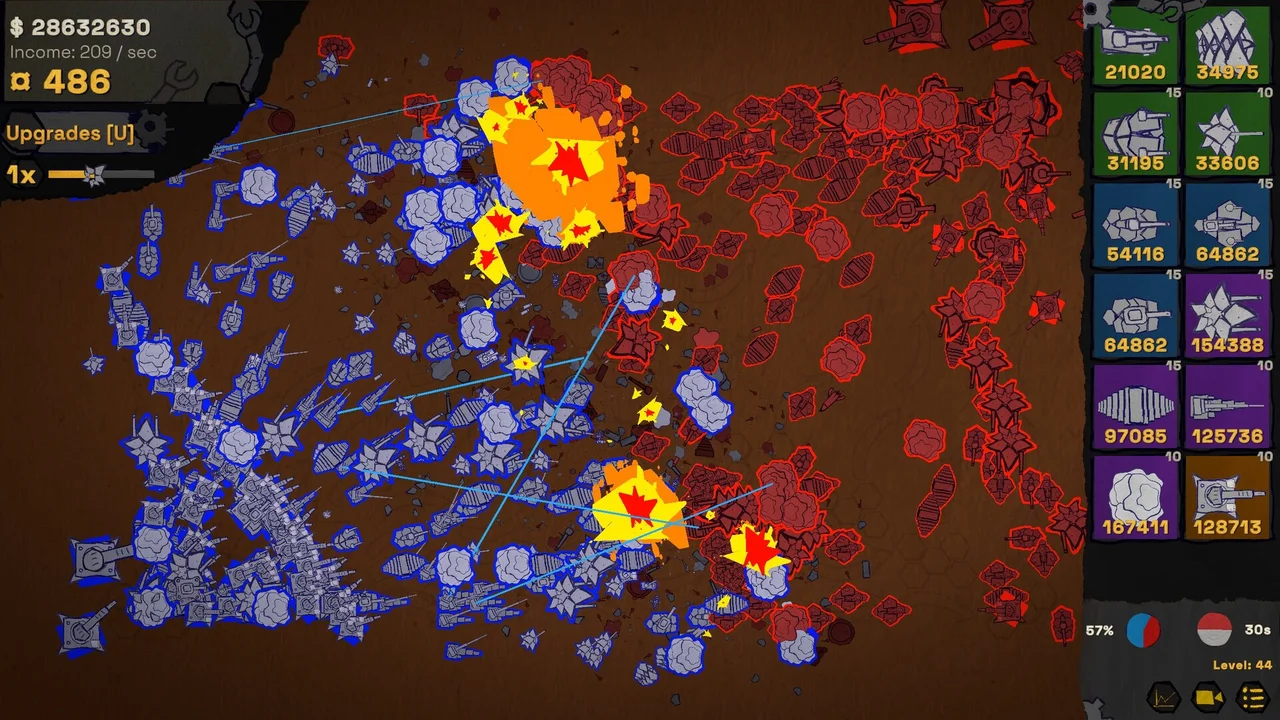
A short capture check
- Find streamer mode in the build you are using. If the option is absent, compare your edition with the linked announcement; no hidden activation command is supplied there.
- After enabling it, record a short sample containing gameplay and the interface you will show.
- Play back the sample to check music and other audio separately, then inspect the visible name before sharing the capture.
Check the captured result as well as the game settings: music from other apps or tracks added by your recording software are separate from the game’s audio.
For the official browser entry, use the demo link. Before a long recording session, read the Safari save and platform limitations.