⚔ Tactical Decision Guide • Online Play

Master the Battle Line in Incremental RTS

Play the official 24-level web edition in an optimized standalone viewport while keeping this live companion dashboard active for real-time keybindings, Purge ROI calculations, and unit counters.

Tactical HUD & Calculator ↓ Unit Counters
24 Levels in Public Demo
~100 Branching Upgrades
16 Unlockable Units
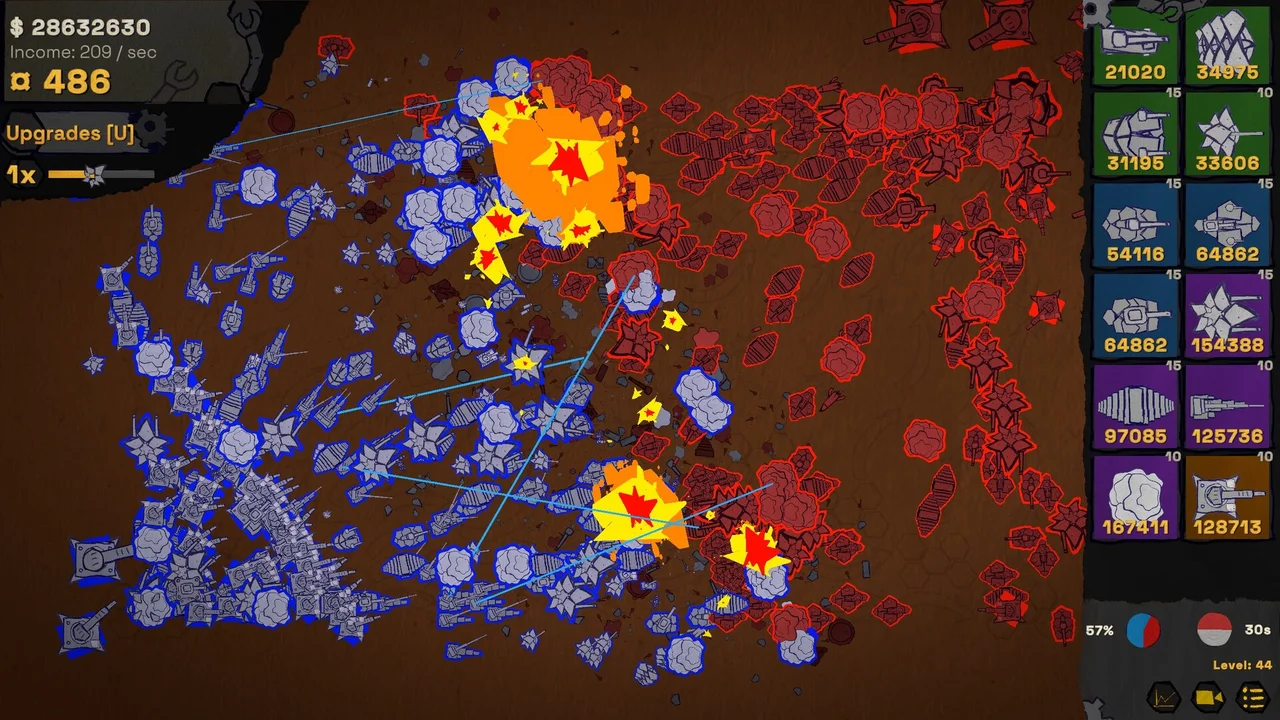
Incremental RTS battle at Level 44 with large blue and red automated armies
A Level 44 battle shown in an official Steam screenshot. Levels beyond the 24-level public-build scope may be unbalanced.
Instant Browser Play • Official Web Edition

Play Incremental RTS in High-Performance Standalone Viewport

Experience the complete 24-level campaign directly in an isolated 1280×760 browser window. This setup bypasses platform-level frame restrictions, prevents hotlink errors, and leaves your screen available for our real-time tactical companion HUD.

Incremental RTS: Official Web Edition Online Play Ready • 24 Levels

Optimal Standalone Viewport: 1280 × 760 px
Incremental RTS official itch.io high-resolution key art banner
Ready for Tactical Deployment

Launch the full official HTML5 build in an independent, distraction-free game window.

Dual-Screen Companion Setup
Real-Time Companion Active

Play on one screen, analyze on the other. Follow these three steps for maximum strategic efficiency:

  • Step 1: Launch Game Window opens at 1280×760
  • Step 2: Position Window Snap to left half / Screen 1
  • Step 3: Keep HUD Visible Monitor ROI & Hotkeys below
Build Specifications
Scope: 24 Playable Campaign Levels • Engine: HTML5 / WebGL • Developer: Dyrkabes Games
Live Companion System

Dual-Screen Tactical Companion HUD & Purge Calculator

Keep this dashboard open while playing in your standalone game window. Reference keybindings in real time, evaluate unit compositions, and calculate exactly when factory price inflation justifies a Purge reset.

Essential Controls & Hotkeys

Master these official itch.io controls to manage production without interrupting the combat line:

  • U Toggle Upgrade Snowflake Tree Instant Open/Close
  • Ctrl / Cmd Multi-Purchase Mode Hold to Buy Factories in Bulk
  • Space Center Camera on Frontline Rapid Re-alignment
  • Mouse Wheel Tactical Camera Zoom Zoom In / Out
  • Left Click + Drag Battlefield Pan Inspect Enemy Spawns
Frontline Tip

Upgrades can be examined mid-battle. Use pause periods between waves to check your next branch prerequisites before factories become too expensive.

Interactive Purge Timing & ROI Calculator

Every factory increases global costs. Enter your current income and next factory price to determine whether building or purging yields higher momentum:

Production Seconds to Recoup Investment
60s
INFLATION BUILDING: Global factory price scaling is impacting momentum. Plan your next upgrades carefully.
* Heuristic Rule: If payback time exceeds ~120 seconds, the compounding factory cost penalty is severely eroding efficiency. Executing a Purge resets global base costs while keeping all purchased upgrades.
Frontline Unit Archetypes

Three primary tactical roles to balance across your production lines:

  • Woodlouse Vanguard High HP Soak
    Designed to absorb heavy incoming fire. Underperforms alone; requires damage dealers behind the collision line.
  • Mosquito Swarms Aerial Rapid Strike
    Frequent community-reported winner for early-mid wave clearing. Fast movement quickly overruns isolated enemy units.
  • Artillery & Heavy Support Siege & Splash
    Provides backline area damage against clustered defenses once the frontline contact point is stabilized.
Purge Execution Checklist

Execute these checks before hitting the Purge button to maximize post-reset momentum:

  • Step 1: Check Current WP Stockpile — Spend all liquid war points on permanent upgrade tree nodes before purging.
  • Step 2: Note Factory Cost Ceiling — Record current factory prices to confirm you have exceeded the 120s ROI threshold.
  • Step 3: Trigger Purge — Reset factory counts and prices back to initial low values while keeping all researched tech.
  • Step 4: Rapid Rebuild — Immediately reconstruct foundational factories at cheap starting prices.
Strategic Analysis #1

Which Units Should You Invest In?

The current itch.io description lists 16 unlockable units. The game exposes unit information such as health, damage and speed, but this guide has not yet completed a version-matched comparison test.

Read the full unit evidence guide →

Woodlouse & Armored Crawlers Frontline Tank

In an official developer reply, Woodlouse was described as having very high health while still underperforming in that version. Its current role and matchups need a fresh, version-matched test before this guide recommends a build.
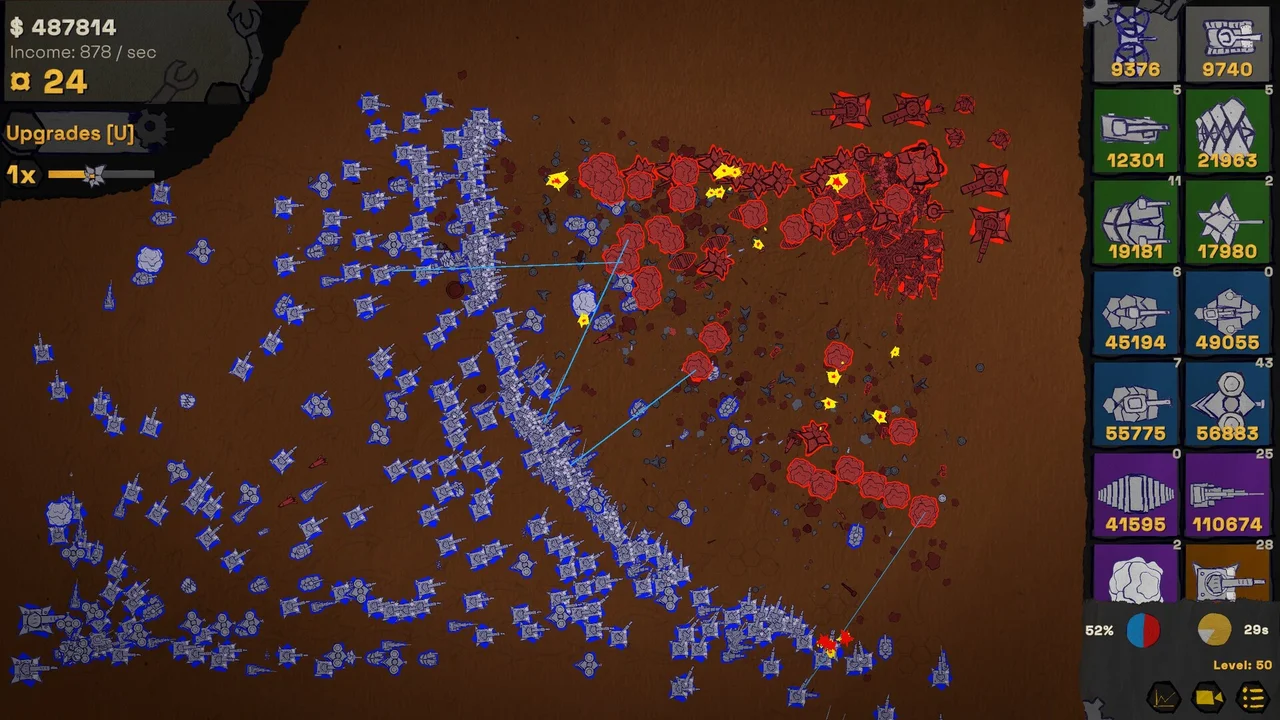
Mosquito Air Units Swarm & Intercept

Players have repeatedly reported Mosquito-heavy runs as unusually effective, and the developer has acknowledged the balancing problem. That is a community-reported, patch-sensitive observation—not a permanent tier placement or a verified counter rule.

Combined Arms Synergy Core Counter

The Steam description says lower-tier units can gain later skills and synergies. Whether a mixed army or a specialized factory line performs better remains a test question; the current evidence does not support a fixed production ratio.

Incremental RTS automated battle with a large mixed unit roster
Large mixed-unit battle in an official Steam screenshot. The image alone does not establish unit names, counters, or rankings.
Version Note

Specific damage values and counter-rankings vary by patch version. Statements regarding Mosquito strength and anti-air gaps reflect acknowledged community gameplay reports rather than permanent developer tier lists.

Strategic Analysis #2

How to Navigate the Radial Snowflake Upgrade Tree

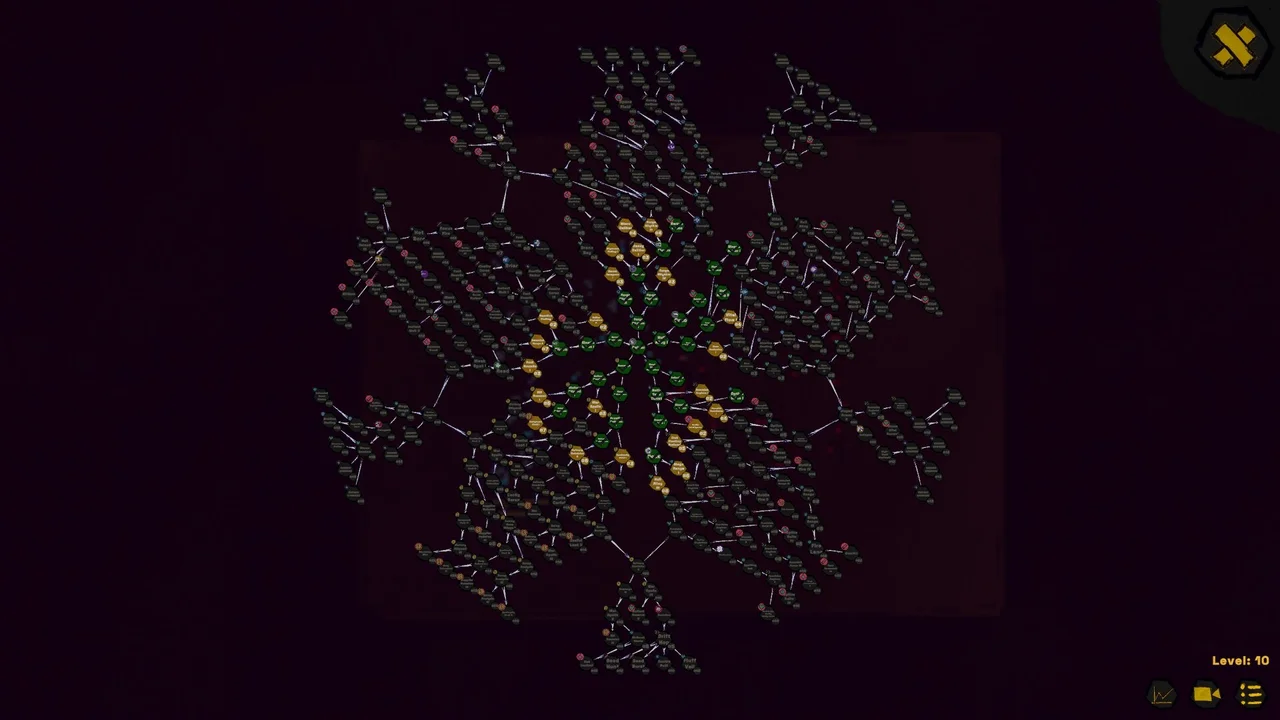
The current itch.io description lists approximately 100 upgrades, and an official screenshot shows a large branching upgrade tree. Exact priorities remain version-sensitive and require gameplay testing.

Read the full upgrade priority guide →

Incremental RTS branching upgrade tree shown at Level 10
Branching upgrade tree shown in an official screenshot. Node effects and optimal paths cannot be inferred from this overview image.
Stage Recommended Focus Strategic Rationale
Levels 1–10 Record the available choices Compare the opening options before committing to a route.
Levels 11–20 Check whether the opening plan still works Factory pricing and enemy composition can make earlier choices costly to change.
Level 20+ Reassess economy and combat upgrades The developer describes interest as more noticeable later, but no universal priority is verified.

The Center-Outward Pathing Rule Efficiency

Start by reading the visible effect and prerequisites for each candidate node. This guide has not verified that the central ring should always be completed before specialized branches.

Coin Upgrades vs. Level Skips Economy Trap

A player reported that level skipping disrupted an early coin-focused plan, and the developer agreed that skipped benefits needed clearer handling. Treat this as a reported version-specific interaction, not a universal route.

Hotkeys & Quick Inspection Controls

The official itch.io controls list U for opening the upgrades interface. Whether gameplay pauses, and the best time to spend resources, still need direct verification.

Strategic Analysis #3

Factories, Interest, Coins & Purge Strategy

Every factory built increases the purchase cost of all future factories globally. Managing this compounding price curve is the primary economic puzzle of Incremental RTS.

Read the full factories, interest & purge guide →

Global Factory Cost Scaling Core Inflation

The official description says each building increases the cost of all buildings. How sharply one factory affects another, and when specialization beats mixing, remains version-sensitive.

When to Execute a Purge Reset Mechanic

The official page says players need to purge factories from time to time because building costs rise. It does not establish a universal income threshold or confirm that purge resets every pricing component.

Compound Interest Scaling Late Game

In a developer reply, interest was described as a small contributor around Level 20 and capable of reaching roughly +3k later. The comment does not define a per-cycle value or prove the optimal point to invest.

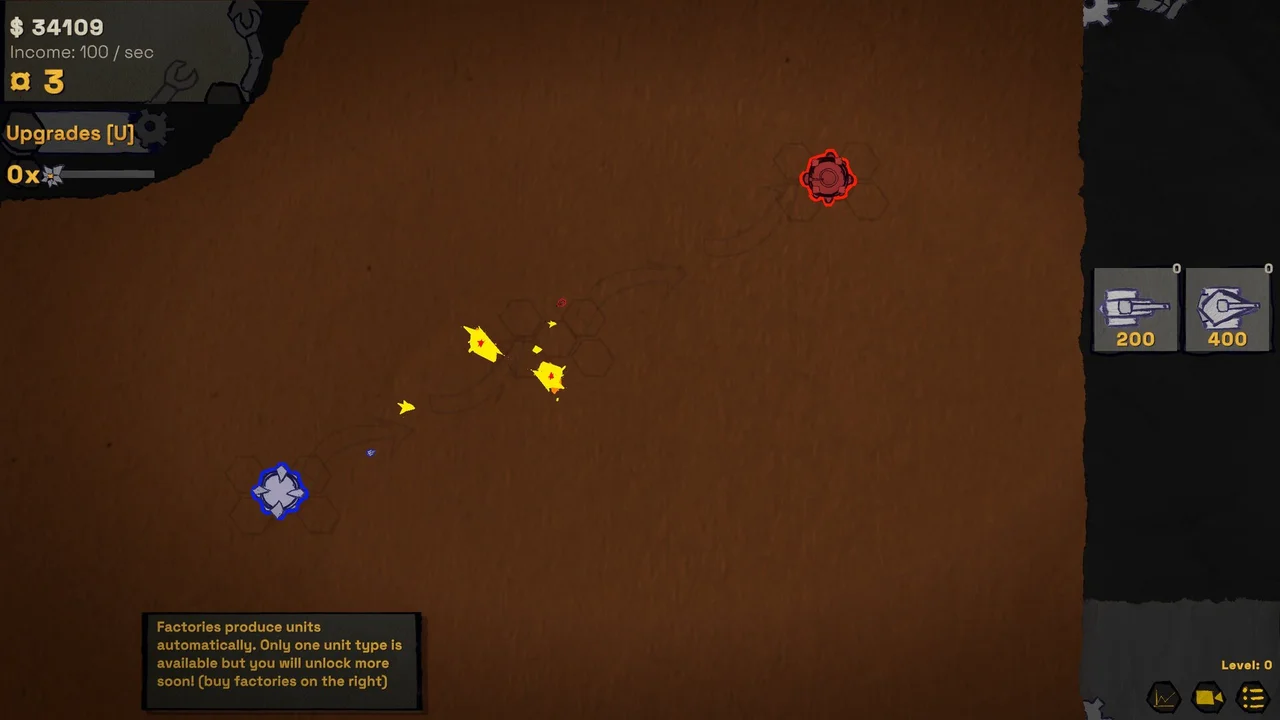
Incremental RTS factory production scaling and defensive logistics setup
Early automated production shown in an official Steam screenshot. The image does not establish an optimal factory layout.
Golden Economic Rule

The official death description says upgrades and war points persist after death while factories are lost. This guide has not verified every purge interaction, so it does not claim identical persistence rules for purge.

Strategic Analysis #4

Level Progression, Death & Late-Game Milestones

The public itch.io description covers 24 levels and explains that death returns the player to an earlier level while preserving upgrades and war points.

Read the full progression, death & save guide →

Level 44 high-density combat encounter showing unit percentages and defensive grid
A Level 44 encounter from an official Steam screenshot. The visible interface should not be treated as a verified strategy recommendation.
Development Note on High Levels

The itch.io page says play can continue after Level 24 but may be unbalanced. Community comments discuss Level 30+, while the latest devlog only previews subjects such as elite units; their current-build behavior is not verified here.

The Death Reversion Rule Persistence

When the player dies, the official description says the game restarts from an earlier level. Upgrades and war points persist, while factories are removed; the exact rollback formula is not documented here.

24 Levels in the Current Public Build Public Demo Scope

The official 2026 build notes confirm 24 playable campaign levels, with developer goals aiming for 100 levels upon full commercial release.

Safari & Browser Save Notices Technical Advice

The developer warns that saves do not work on Safari in the current web build. No reliable workaround or Steam save-path behavior has been verified by this guide; use another supported browser or the official desktop demo if persistence matters.

Official Game Channels

Where to Play & Support Incremental RTS

Play the official demo directly through authorized channels. To comply with developer platform terms and avoid hotlink security warnings, launch the game in an official viewport using the links below.